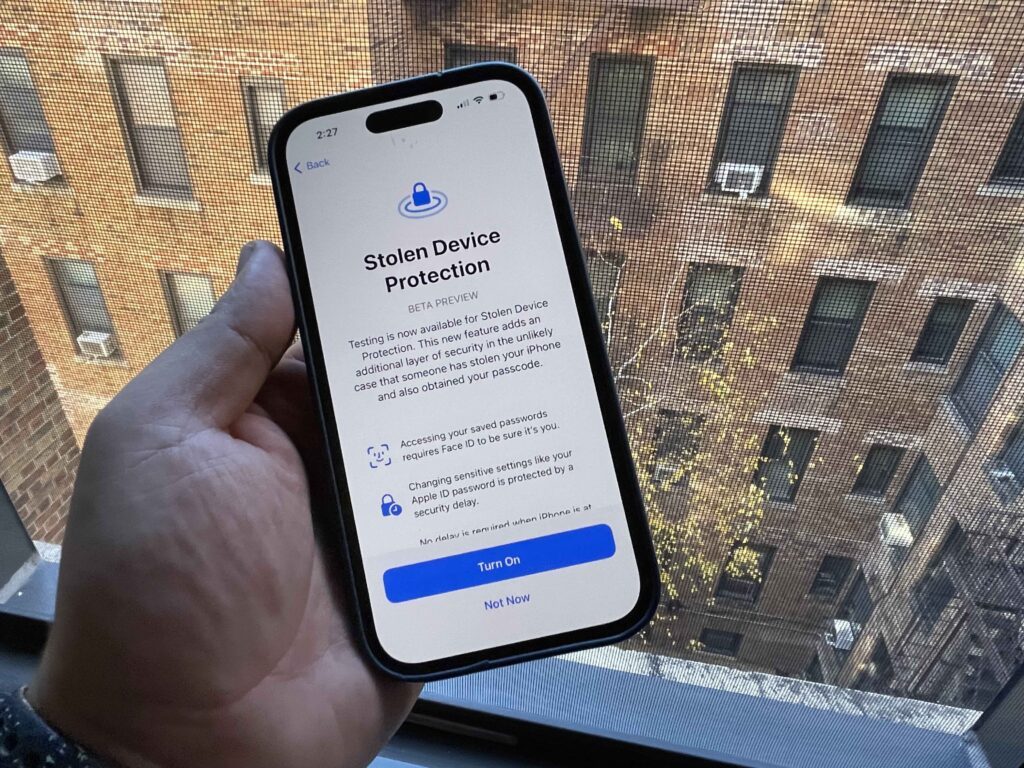

How to Protect Yourself from iPhone Thieves
In today’s digital age, iPhones are not only valuable for their monetary worth but also for the personal and sensitive information they contain. With the rise in smartphone thefts, it’s crucial to take steps to protect yourself and your device from potential thieves. Here are some essential tips to help safeguard your iPhone from theft and ensure your data remains secure.
1. Enable Find My iPhone
Apple’s Find My iPhone feature is a powerful tool that allows you to track your device if it gets lost or stolen. To enable this feature:
- Go to Settings.
- Tap on your Apple ID at the top.
- Select Find My.
- Turn on Find My iPhone and Send Last Location.
With Find My iPhone, you can locate, lock, or erase your device remotely, which can be crucial in preventing unauthorized access to your data.
2. Use a Strong Passcode and Face ID/Touch ID
A strong passcode is your first line of defense against unauthorized access. Avoid using simple passcodes like “1234” or “0000”. Instead, opt for a more complex six-digit code or an alphanumeric passcode. Additionally, enable Face ID or Touch ID for added security.
- Go to Settings.
- Select Face ID & Passcode or Touch ID & Passcode.
- Set up your biometric authentication and a strong passcode.
3. Enable Two-Factor Authentication
Two-factor authentication (2FA) adds an extra layer of security to your Apple ID. With 2FA, even if someone knows your password, they won’t be able to access your account without the verification code sent to your trusted devices.
- Go to Settings.
- Tap on your Apple ID.
- Select Password & Security.
- Enable Two-Factor Authentication.
4. Keep Your Software Updated
Apple regularly releases updates to patch security vulnerabilities and improve overall security. Always keep your iPhone’s software up to date to protect against potential threats.
- Go to Settings.
- Select General.
- Tap Software Update and install any available updates.
5. Be Cautious in Public Places
When using your iPhone in public, be aware of your surroundings. Avoid using your phone in crowded areas where it can be easily snatched. Use headphones to make calls and keep your device in a secure pocket or bag.
6. Disable Control Center on the Lock Screen
Thieves can disable Find My iPhone by putting your device in airplane mode via the Control Center. To prevent this, disable access to the Control Center when your phone is locked.
- Go to Settings.
- Select Face ID & Passcode or Touch ID & Passcode.
- Scroll down to Allow Access When Locked and turn off Control Center.
7. Set Up Emergency Contacts
In case of theft, having emergency contacts set up can help authorities contact you or a trusted person.
- Go to the Health app.
- Tap on your profile picture.
- Select Medical ID and then Edit.
- Add emergency contacts.
8. Back Up Your Data Regularly
Regularly back up your iPhone to iCloud or your computer to ensure you don’t lose important data if your device is stolen.
- Go to Settings.
- Tap on your Apple ID.
- Select iCloud and then iCloud Backup.
- Turn on iCloud Backup and Back Up Now.
9. Use a Theft Recovery App
Apart from Find My iPhone, you can also use third-party theft recovery apps like Prey or Lookout. These apps offer additional features such as remote alarm triggering and detailed location tracking.
10. Insure Your iPhone
Consider getting insurance for your iPhone. Many insurance plans cover theft, loss, and damage, giving you peace of mind and financial protection in case of theft.
Protecting your iPhone from thieves requires a combination of preventive measures and smart practices. By enabling built-in security features, staying vigilant in public places, and regularly backing up your data, you can significantly reduce the risk of theft and ensure your personal information remains secure. Stay proactive and keep your iPhone safe from potential threats.